
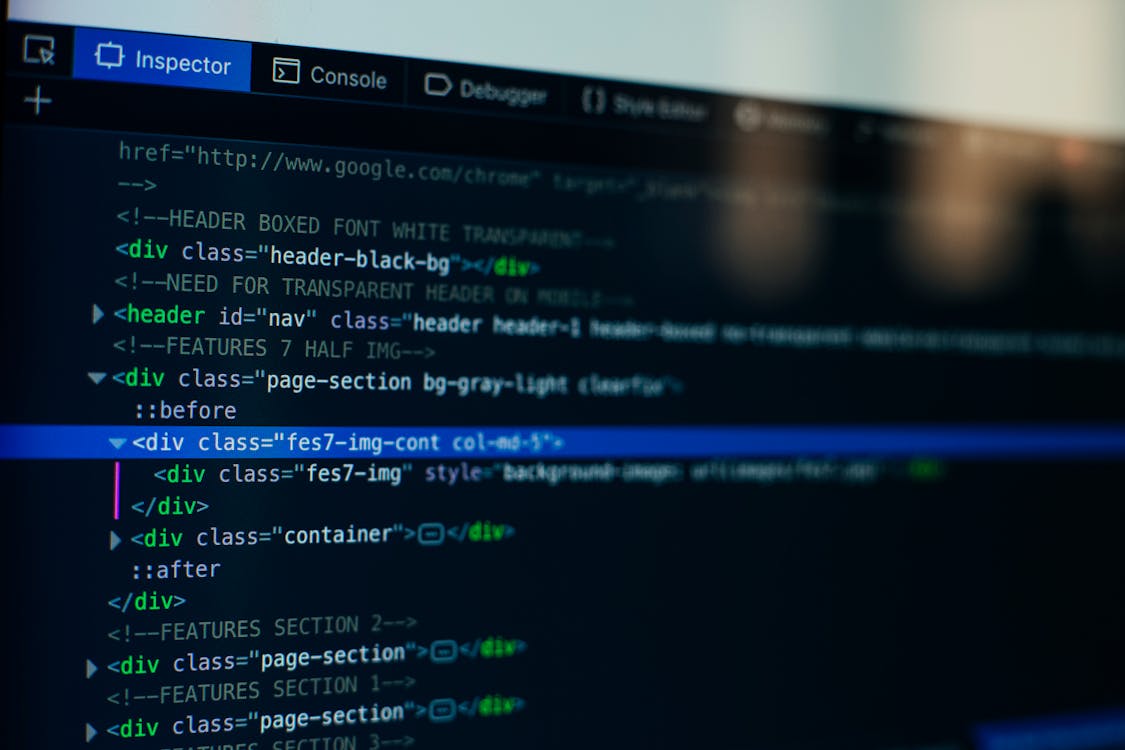
Artificial intelligence has moved from novelty to a steady companion for many software makers and testers who wrestle with elusive bugs. Tools that read code, run quick checks, and suggest fixes can shave hours off a day that once felt like an endless hunt for a needle in a haystack.
At this stage, without expanding headcount sometimes adopt Blitzy, using automation to maintain output levels while keeping engineering teams lean. At the same time, trust in a machine suggestion is not the same as trust in one human colleague who knows the codebase inside out.
The real question is how to use these systems so they reduce friction without creating new traps.
How AI Helps With Debugging
AI can speed up the early stages of a hunt by flagging likely fault zones and proposing test cases that might catch the error quickly. Language models are good at pattern matching and can surface common mistakes such as off by one errors or mismatched types by comparing code snippets to vast corpora they were trained on.
Static analyzers powered by learned heuristics can point to suspicious control flow and unused variables that often hide deeper problems. When paired with a fast feedback loop, these signals let a developer iterate faster and avoid chasing red herrings for too long.
Where AI Falls Short
Models do not truly understand intent and can propose fixes that pass tests but break assumptions that only a human would notice. They can hallucinate plausible sounding patches that introduce subtle security holes or change performance characteristics in unwanted ways.
Training data biases can produce recommendations that favor common idioms over correct designs for a specific system. That means every suggestion needs checking against domain rules, coding standards, and runtime behavior to keep the system safe and stable.
Types Of AI Tools For Debugging
There are a few flavors on the market ranging from autocomplete helpers to automated test generation and runtime anomaly detectors. Some run offline and analyze the repository to create a map of likely hotspots while others plug into your editor and offer line level suggestions as you type.
Runtime systems watch logs and telemetry to point out error clusters that correlate with recent deployments or traffic spikes. Each class of tool brings a different trade off between speed, accuracy, and the cognitive load they place on engineers.
Best Practices When Using AI For Fixes
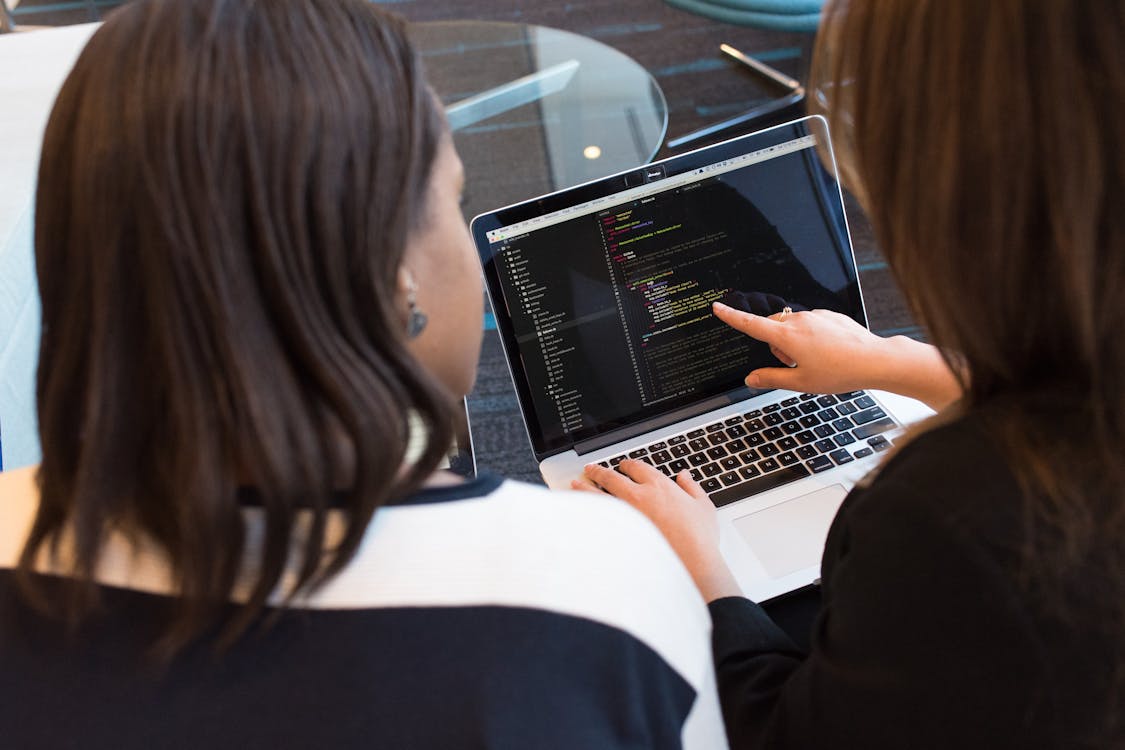
Treat suggestions as hypotheses not final answers and write tests that confirm expected behavior before merging changes. Keep a record of why a change was accepted or rejected so decisions remain visible to other team members and future you.
Use incremental commits so a rollback is small and local when a proposed patch causes trouble in production. Building a culture that questions smart sounding output will keep the team from slipping into over reliance on automated answers.
Integrating AI Into Your Workflow
Start small by adding tools that augment current practices rather than replace them so change is gradual and reversible. Run new tools in report mode first so false positives and false negatives can be catalogued without interrupting delivery.
Pair machine suggestions with peer review so each change gets human context before landing. Over time, refine rules and filters so the tool speaks the team language and noise levels fall.
Verifying AI Suggestions
A quick way to check an automated fix is to run a focused test suite that touches the changed code and then expand to integration tests if the initial run looks good. Static type checks, lint rules, and fuzz tests add layers that catch issues a single verification step might miss.
Examining runtime traces and profiling before and after a change reveals performance regressions that are easy to overlook. Logging the behavioral differences helps when tracing a regression back into the revision history.
Human Skills That Still Matter
Fluency with abstractions and solid mental models of the system remain priceless because machines cannot internalize product goals and trade offs. The ability to ask the right question and to craft minimal reproductions of bugs often separates a quick fix from a wasted afternoon.
Good code reading habits and the discipline to write clear tests make it far easier for any tool to be helpful rather than harmful. Soft skills such as clear communication and humility about uncertain fixes prevent fragile code from slipping into production.
How Models Work And Linguistic Tricks They Use
Many tools rely on token patterns and phrase frequency to make recommendations which is why simple stemming and n gram statistics can boost relevance for repeated constructs. Slightly weighting less frequent terms more heavily follows a Zipf like intuition and helps surface unusual but important identifiers that matter in a codebase.
Models trained on code plus natural language comments tend to do better at proposing intent aligned fixes because they connect behavior words with implementation patterns. Knowing these mechanisms helps you set expectations and tune filters for better output.
Choosing The Right Tool For Your Team
Pick a solution that matches the team size and the criticality of the system so that alert volumes are manageable and attention is focused on real risks. Open source tools offer transparency and the chance to adapt checks to specific architectures while commercial offerings can pack in convenience and polished integrations.
Look for tools that let you set conservative defaults and then relax them in trusted modules so risk is compartmentalized. Trial runs with concrete metrics on time saved and regression rate change give the clearest signal about what actually helps.
Common Pitfalls And How To Avoid Them
Blindly accepting black box fixes without tests or audit trails invites subtle failures that can take hours to unpick at odd hours. Over tuning a tool to silence warnings can hide real defects where a rule is too strict and the team loses sight of true risk.
Treat monitoring and observability as first class citizens so you can detect any change in system health after integrating a new assistant. Regular review cycles where human experts re examine automated feedback keep the system honest and reduce surprises.
